Budget & Expenses
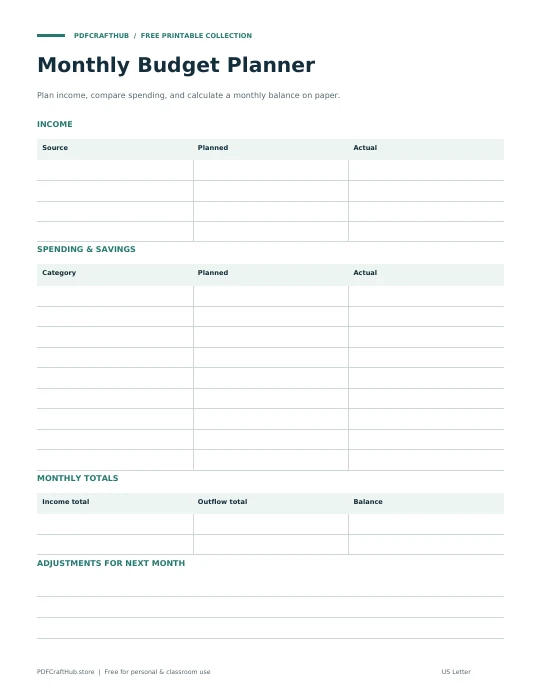
Monthly Budget Planner
Plan income, compare spending, and calculate a monthly balance on paper.
US Letter & A4 · PDFGet the printable ↗
Create a categorized income and spending plan with exact cent-based totals. Your balance updates as you type, and your PDF includes both the entries and the summary.
Start blank, or .
Add your details to begin.
Preview updates as you type.
This is a live content preview. “Generate & view” opens the exact PDF layout, including page breaks, before printing. Latin, Greek, Cyrillic, and common punctuation are supported; emoji and other scripts may need to be removed.
Income | Paycheck | 2800.00 and Expense | Housing | 950.00 produce a remaining balance of 1850.00.
Your PDF contains embedded fonts, selectable text, and vector rules. It is generated in this browser tab, not on our server. Long text continues across pages instead of being cut off. Save your file before closing the tab; this site does not store your form entries.
Yes. Choose the size before generating. Each PDF uses the actual dimensions of that paper. Match the paper setting in your printer and check one test page.
Browser PDF viewers handle printing differently. Open the generated PDF and select its Print command for a reliable paper-size preview. If a tab is blocked, download the PDF and print the saved file.
No. Entries exist only in this open tab. Download the PDF before refreshing or leaving. Reset clears your entries.
Explore all five tools → Prefer pen and paper? Browse the printables →
Plan income, compare spending, and calculate a monthly balance on paper.
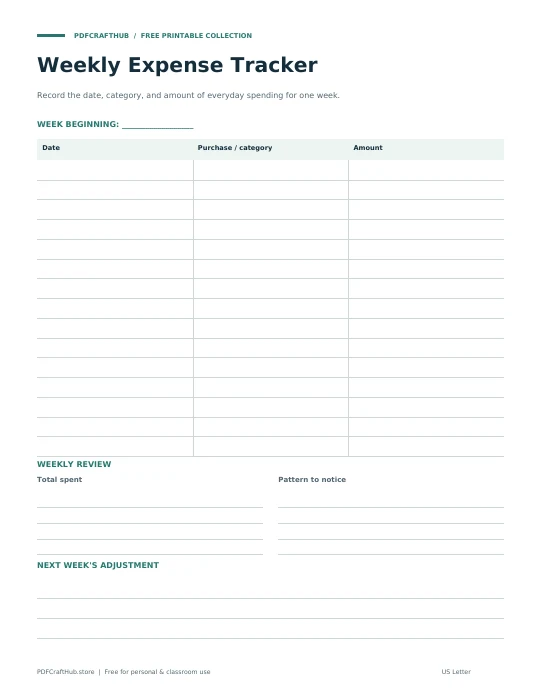
Record the date, category, and amount of everyday spending for one week.
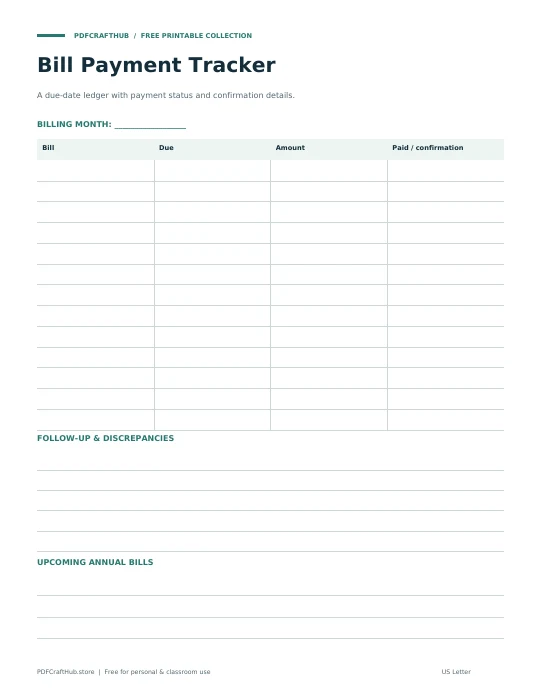
A due-date ledger with payment status and confirmation details.