Home & Family
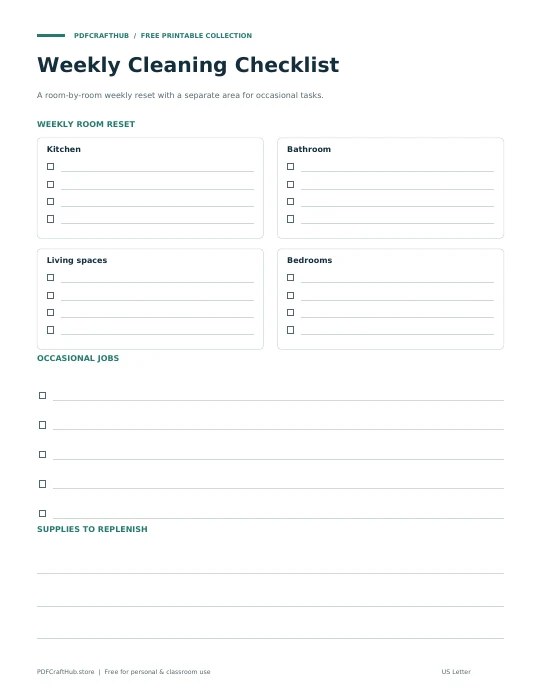
Weekly Cleaning Checklist
A room-by-room weekly reset with a separate area for occasional tasks.
US Letter & A4 · PDFGet the printable ↗
Group cleaning tasks by room and frequency. Create a practical checklist for a quick reset or a deeper clean, with empty checkboxes ready for the person doing the work.
Start blank, or .
Add your details to begin.
Preview updates as you type.
This is a live content preview. “Generate & view” opens the exact PDF layout, including page breaks, before printing. Latin, Greek, Cyrillic, and common punctuation are supported; emoji and other scripts may need to be removed.
Kitchen | Wipe counters | Daily keeps the room, task, and cadence together.
Your PDF contains embedded fonts, selectable text, and vector rules. It is generated in this browser tab, not on our server. Long text continues across pages instead of being cut off. Save your file before closing the tab; this site does not store your form entries.
Yes. Choose the size before generating. Each PDF uses the actual dimensions of that paper. Match the paper setting in your printer and check one test page.
Browser PDF viewers handle printing differently. Open the generated PDF and select its Print command for a reliable paper-size preview. If a tab is blocked, download the PDF and print the saved file.
No. Entries exist only in this open tab. Download the PDF before refreshing or leaving. Reset clears your entries.
Explore all five tools → Prefer pen and paper? Browse the printables →
A room-by-room weekly reset with a separate area for occasional tasks.
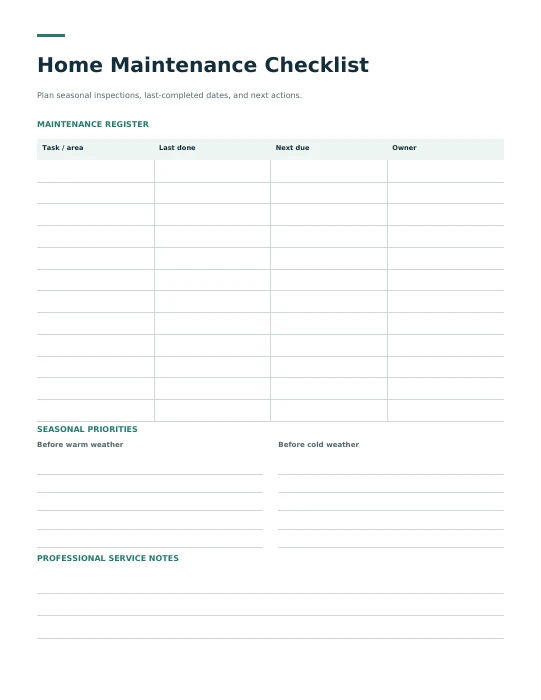
Plan seasonal inspections, last-completed dates, and next actions.
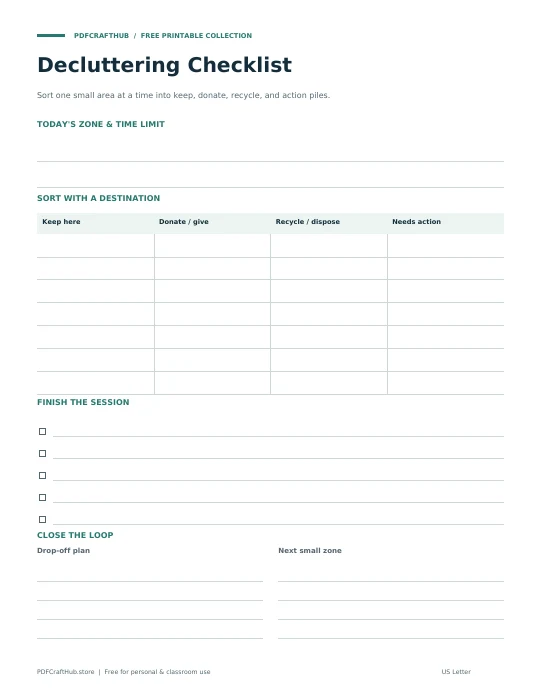
Sort one small area at a time into keep, donate, recycle, and action piles.